
Client Login
Your Whole Financial Picture, One Login
Your private client portal shows your accounts, your performance and your updates from Steve, on your computer or your phone.
What you get
Here Is What Is Waiting Inside
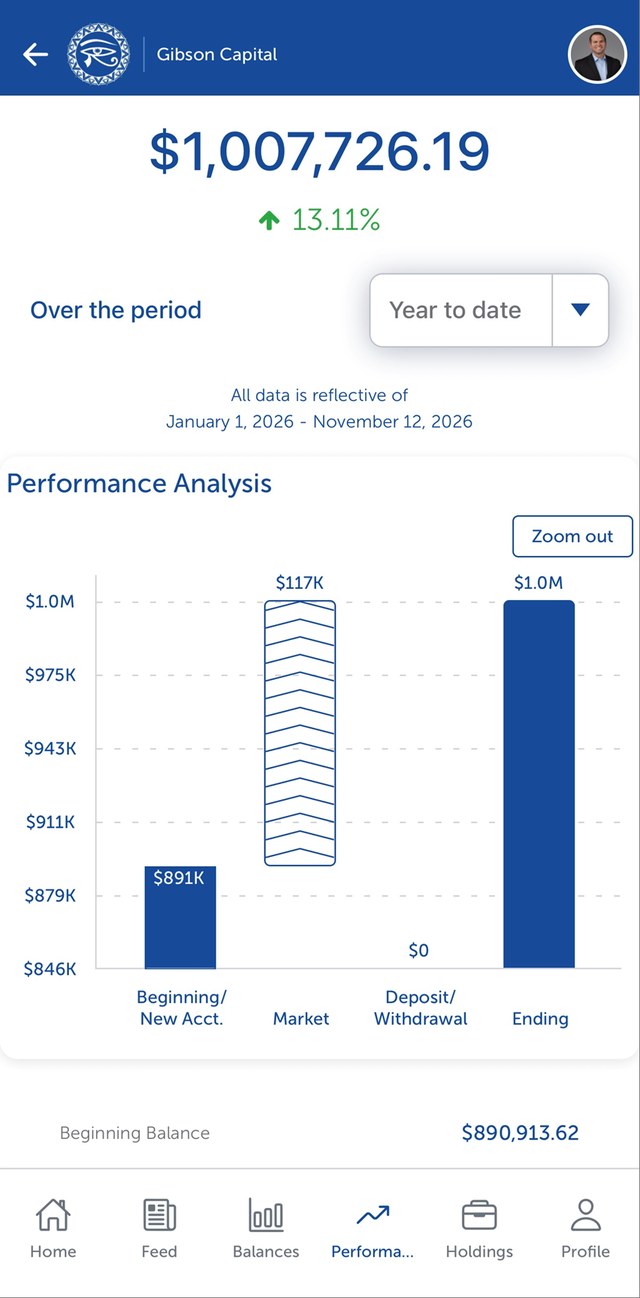
Balances and performance
See your balances and how your accounts have performed year to date, over the last year, the last month or the last week.
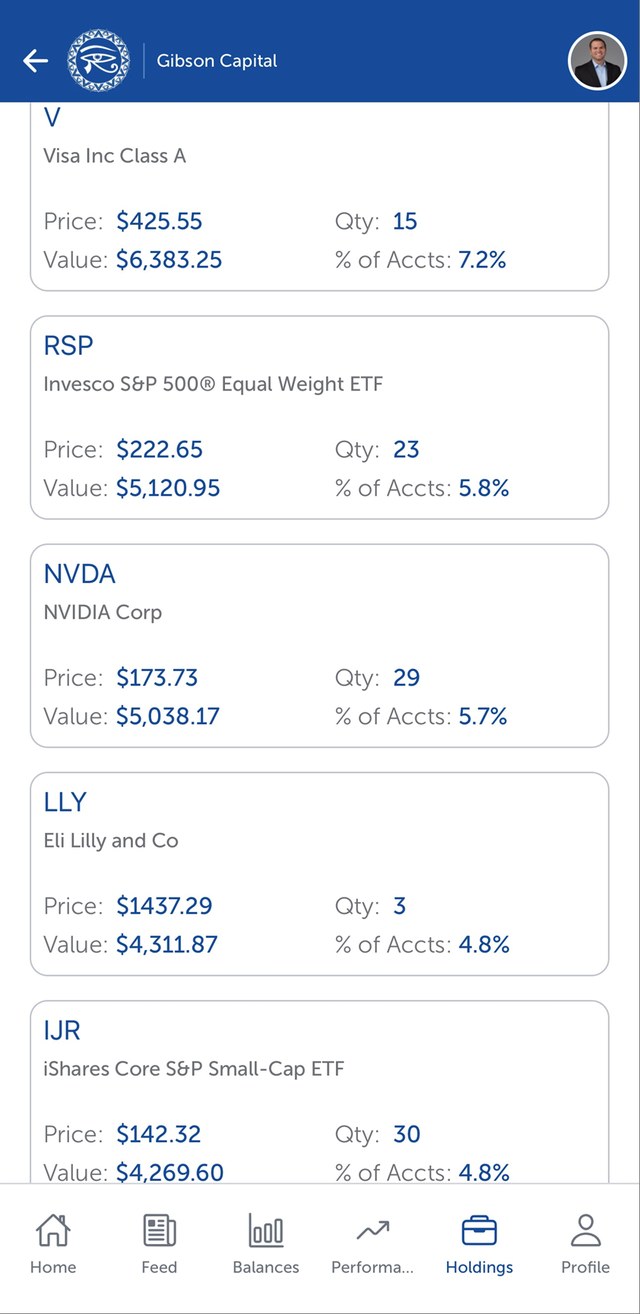
Your holdings
Look inside each account and see exactly what you are invested in.
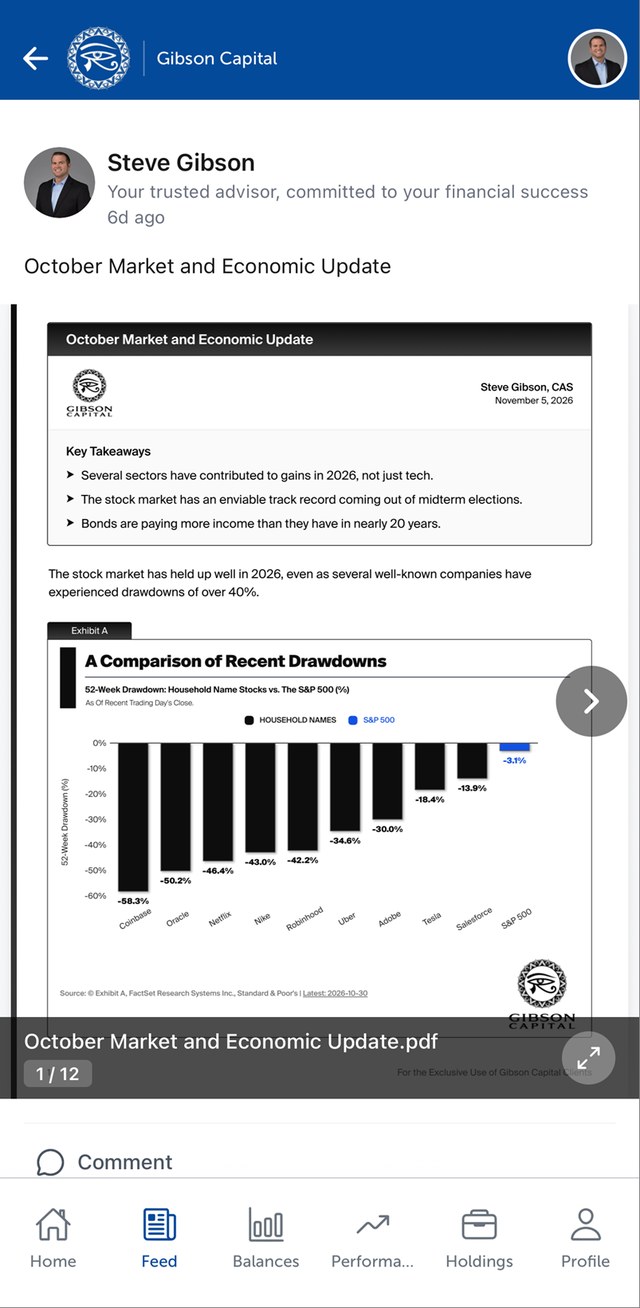
Updates from Steve
A feed where Steve posts market updates, commentary and reports, so you always know what he is watching.
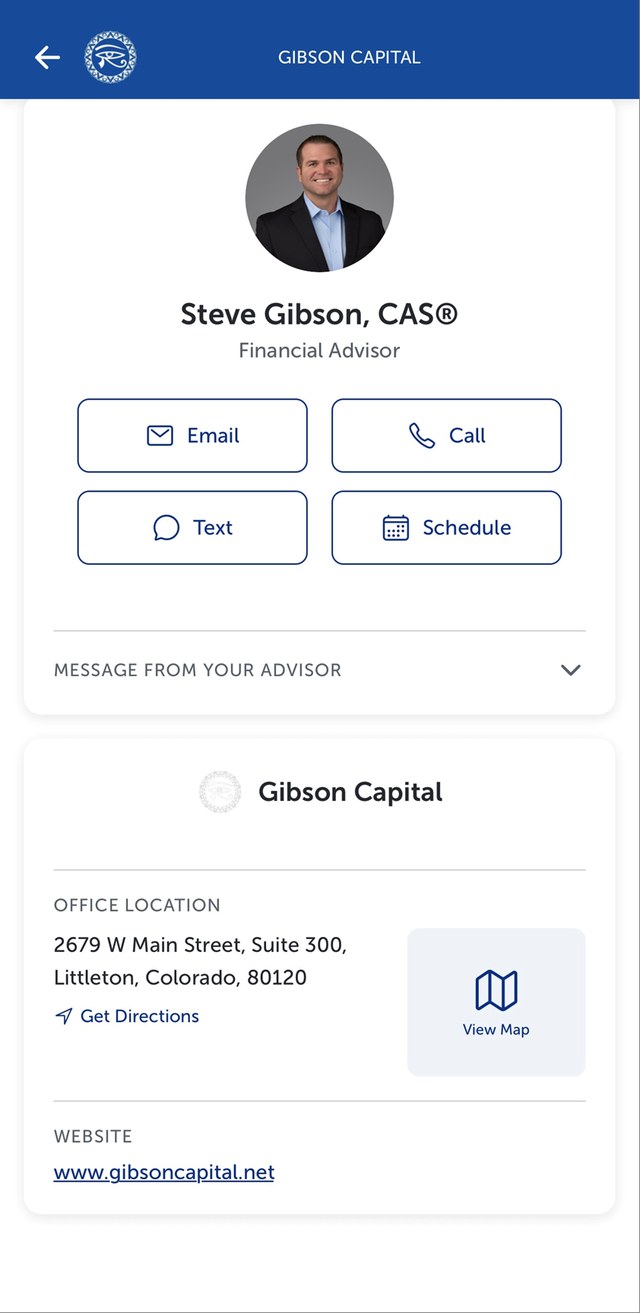
Steve, one tap away
Steve’s contact information is always there. Call, text, email or schedule an appointment right from the portal.
Sample screens for illustration only. They are not a recommendation to buy or sell any investment and do not represent the results of any client. Past performance does not guarantee future results.
All your accounts together
Link outside accounts like a 401(k), a bank account or your own trading account, and see them next to the accounts we manage for you.
Notifications
Get an email or a notification on your phone when there is a new message or update for you.
Secure document sharing
Upload documents to us and receive documents from us through the portal, instead of sending them by regular email.
One Centralized Login
Why you’ll use it
Instead of having eight or nine logins and passwords, you have one centralized location to log in.
You can link accounts you hold outside of Gibson Capital, like a 401(k), a bank account or your own trading account, so everything you own shows up in one view.
- See all your accounts on one screen
- Know how you are doing at any time
- Hear from Steve the moment there is something to share
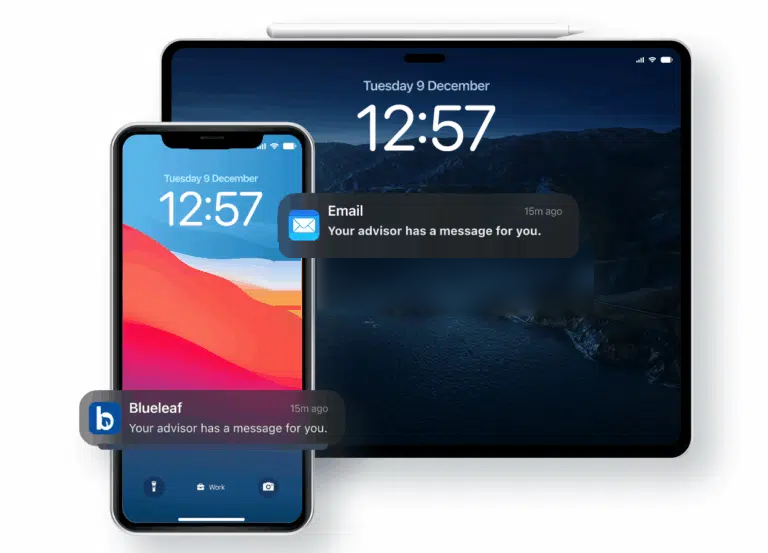
Updates reach you by email and as notifications on your phone.
Where you can use it
On Your Computer or in Your Pocket


Our client portal is provided by Blueleaf. Sign in to the app with the same login you use on your computer.
Get Your Free Access
New to the portal?
If you are a Gibson Capital client and have not set up your portal yet, send us your name and email. We will send your invitation and help you link your accounts.
Already have a login?
Get Your Free Access to the Client Portal
Tell us where to send your invitation.
Your Questions, Answered
What does it cost?
Nothing. The client portal is included for Gibson Capital clients.
Can I add accounts that are not with Gibson Capital?
Yes. You can link outside accounts such as a 401(k), a bank account or your own trading account, so everything shows up in one place.
How will I know when there is something new?
You will get an email, and if you use the app, a notification on your phone.
How do I get the app?
Once you have your login, download the Blueleaf app from the Apple App Store (iPhone and iPad) or Google Play (Android) and sign in with the same email and password.
I forgot my password. What do I do?
Use the reset link on the login page, or call us at (855) 289-4443 and we will help.
The client portal is provided by Blueleaf, a third-party service. Values shown in the portal are for your convenience. Your official records are the statements you receive from your account custodians.