
Scam Alert - I Almost Got Scammed by a "Google Employee"
04-10-2026
By Steve Gibson
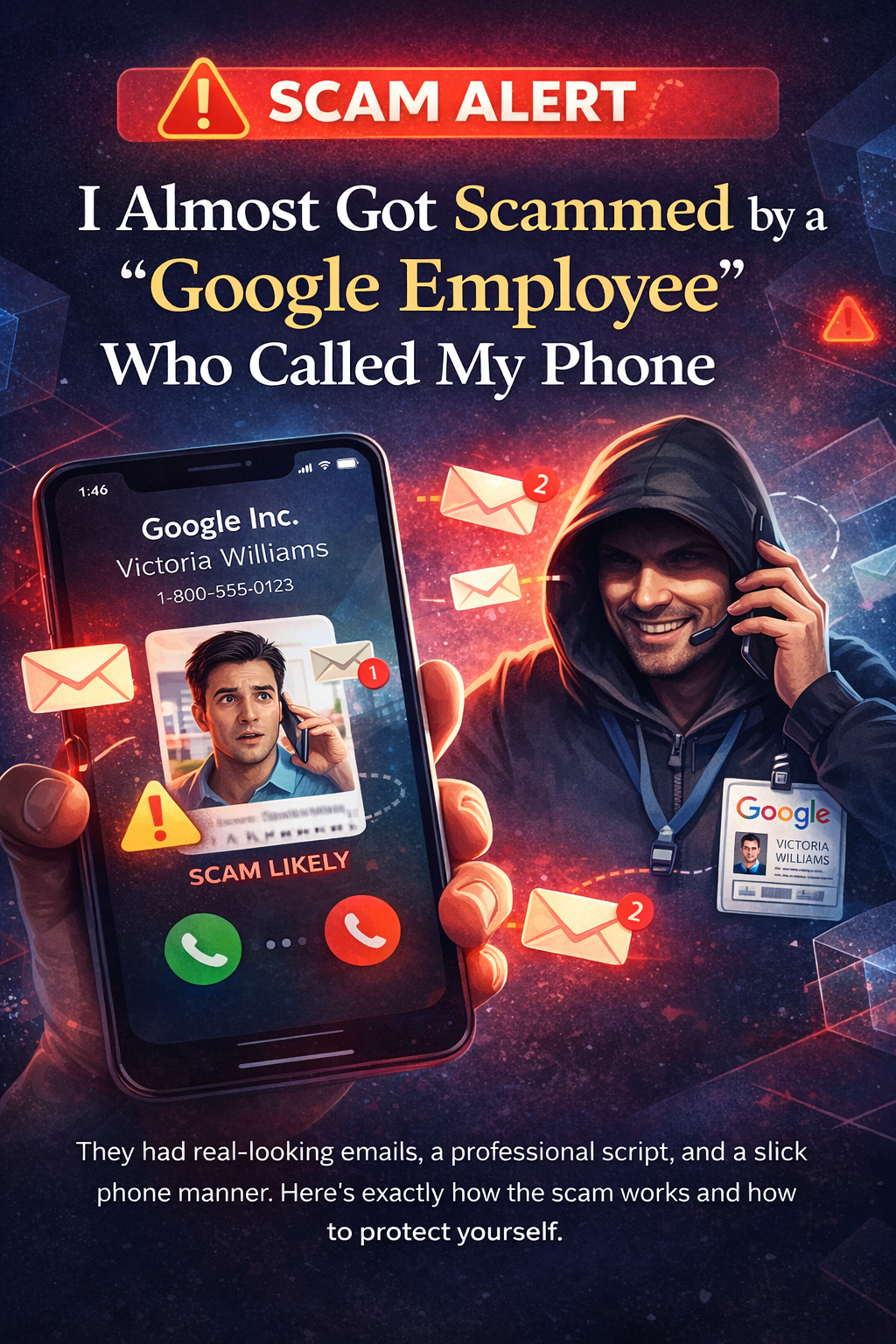
They had real-looking emails, a professional script, and a slick phone manner. Here's exactly how the scam works and how to protect yourself.
It Started With a Phone Call
I got a call from a woman named "Victoria Williams" who said she worked for Google in San Francisco. She told me my Google account had been compromised and she needed to help me secure it. She sounded professional, calm, and completely legitimate. She even mentioned she was working from home, which made her seem more relatable and real.
Then she told me a notification had been pushed to my YouTube app and I needed to confirm whether or not it was me trying to access my account. I looked at my phone and sure enough, there was a prompt asking me to verify a login. But something felt off.
The notification said the login attempt was coming from Evergreen, Colorado. I'm in Littleton. When I questioned that, she had an answer ready: "That's because Evergreen is the closest server to your location." It sounded plausible enough, but my gut was telling me something wasn't right.
So I paused. I didn't confirm the login. And that decision likely saved me from getting hacked.
How the Scam Actually Works
Here's what was really happening behind the scenes. The scammer was actively trying to log into my Google account in real time while on the phone with me. When Google's security system detected the unfamiliar login attempt, it sent a verification prompt to my devices asking if it was really me.
That's where the phone call comes in. The scammer calls you, poses as Google support, and tells you that you need to "confirm it's you" by tapping "Yes" on that prompt. If you tap "Yes," you're not confirming your identity to Google. You're giving the scammer full access to your account.
The whole call, the urgency, the professional tone, the fake backstory about being hacked... it's all designed to get you to tap one button.
Google will never call you on the phone to tell you your account has been hacked. Ever. If someone calls you claiming to be from Google, it's a scam. Hang up.
The Emails That Made It Look Real
What made this scam especially convincing was the emails I received at almost the exact same time as the phone call. I got three emails, and here's what each one actually was.
Email #1: "Verify Your Recovery Email"
This was a legitimate Google email asking me to verify that my email address was being used as a recovery email for an account called " cuffsand261@gmail.com." I don't own that account. The scammer likely triggered this email on purpose to make it look like something was happening with my account and create a sense of urgency.
Email #2: "Recovery Email Was Changed"
This confirmed that the recovery email for cuffsand261@gmail.com was changed to my email. Again, this is the scammer's throwaway account. They linked my email address to their account so I would receive official-looking Google security alerts, making the whole scam feel more believable when they called.
Email #3: Google Cloud Alert with a "Temporary Password" - THE BIG ONE
This is the biggest red flag of them all. The email itself says right at the top: "This is an automated notification set up by a Google Cloud user, not an official message from Google." Most people skim right past that disclaimer. The scammers are counting on it.
The scammer used Google Cloud Alerting to send a fake support case, complete with a case number, assigned to "Victoria Williams," and even included a temporary password. Google would never send you a temporary password in an email like this. This email was entirely fabricated by the scammer using Google's own cloud tools to make it look official.
Red Flags to Watch For
1. An unsolicited phone call from "Google." Google does not make outbound phone calls to consumers about hacked accounts. Period. This alone should end the conversation.
2. "I work from home, not in an office." This detail is designed to preemptively explain away why you can't call them back at a verifiable Google office number. It's a cover story.
3. Asking you to confirm a login prompt. If someone asks you to tap "Yes, it's me" on a verification prompt you didn't initiate, they are trying to hijack your account. That prompt exists to protect you. Tapping "Yes" for a stranger hands them the keys.
4. The location didn't match. The verification prompt said "Evergreen, Colorado" but I'm in Littleton. The scammer explained this away as "the closest server." That's not how Google verification works. The location shown is based on the IP address of whoever is trying to log in, not which server is closest to you. The scammer was likely using a VPN or proxy that routed through Evergreen.
5. Urgency and pressure. The entire call was designed to make you feel like you needed to act immediately. Scammers don't want you to stop and think. They want you to react.
6. The email literally says it's not from Google. The Google Cloud alert email states it was set up by a user, not by Google. Read the fine print.
7. A "temporary password" in an email. Google will never email you a temporary password. If you see one, it was put there by a scammer, not by Google.
8. She was really good at her job. This is worth calling out. She sounded polished, professional, and had an answer for everything. Don't assume scammers sound shady or unprofessional. The good ones sound exactly like someone you'd trust.
Why They Want Your Google Account
Your Google account is the master key to your digital life. If a scammer gets in, the damage can be fast and far-reaching. Here's what they can access and do:
Gmail. They can read every email you've ever sent or received. That includes password reset emails from your bank, brokerage accounts, insurance, social media, and anything else tied to that email. They can use your inbox to reset passwords on other services and take over those accounts too.
Google Drive. Any documents you've stored, including tax returns, financial statements, contracts, and personal files, are now theirs. This is a goldmine for identity theft.
Google Photos. Personal photos, screenshots of sensitive information, pictures of IDs or insurance cards... anything you've ever backed up.
Saved Passwords. If you use Chrome's password manager, every saved password is accessible once they're in your Google account. That can include banking, shopping, and social media logins.
YouTube. They can lock you out of your channel, post content, or use it as part of other scams.
Google Pay and Financial Info. If you have payment methods saved, those are now exposed.
Impersonation. With access to your email, they can send emails as you, tricking your contacts, clients, or family members into giving up money or information.
The bottom line: access to your Google account can give a scammer access to nearly everything. Your money, your identity, your contacts, and your reputation. That's why this scam is so dangerous.
What to Do If This Happens to You
- Hang up immediately. Don't engage. Don't try to "test" them. Just end the call.
- Do NOT tap "Yes" on any verification prompt you didn't initiate. If you see a login confirmation you didn't trigger, tap "No, it's not me" or simply ignore it.
- Go directly to your Google account security page. Type myaccount.google.com/security into your browser yourself. Don't click any links from emails. Check for unfamiliar devices, recent sign-ins, and any changes to your recovery email or phone number.
- Change your password immediately. Pick something strong and unique that you don't use anywhere else.
- Turn on two-factor authentication (2FA). Use an authenticator app, not just SMS. This adds a layer of protection even if someone gets your password.
- Review your connected apps and third-party access. Remove anything you don't recognize.
- Report the phone number. File a report with the FTC at reportfraud.ftc.gov and report the number as spam on your phone.
What If You Already Confirmed the Login?
If you accidentally tapped "Yes" on that verification prompt, act fast. Change your Google password right now from a different device if possible. Turn on 2FA immediately. Go through every account tied to that email and change those passwords too, especially banking, financial, and social media accounts.
Check your Gmail for any emails that were forwarded, deleted, or sent without your knowledge. Review Google Drive and Photos for any files that may have been accessed or downloaded. Consider placing a fraud alert or credit freeze with the major credit bureaus (Equifax, Experian, TransUnion) if you had sensitive financial information in your account.
Speed matters. The faster you act, the less damage they can do.
Share This Post
If this helped you, share it with your family, friends, and coworkers. These scams work because people don't know about them until it's too late. The more people who know what to look for, the fewer people fall victim.